

When running agency order report, you can choose what clients you want to show on the report.
Click the Clients link on the left side task bar.
Select the required client by clicking the client name link. The client detail screen is displayed.
Click the Edit button at top right of screen.
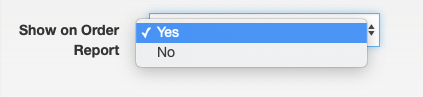
Change the Show on Order Report to Yes to include the client on the Order Report.
Click Save.