

To add a new contact to your agency, select the My Profile link from the top nav bar.
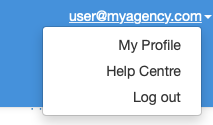
The View Agency screen is displayed. Click the Edit button at top right.
Scroll down to the Linked People card. Click the + Create a New Person button.
The New Person pop-up box is displayed.
Enter the person’s name, contact details and email address. Click the Save button at bottom right.
The Edit Agent screen is displayed. Click the Save button.
Adding a new agency person has now been completed.