

After an order is submitted it sits in a pending state waiting for agency approval.
Click the Orders link on the left side task bar to display the orders list.
The order will have a status of Requires Agency Approval.
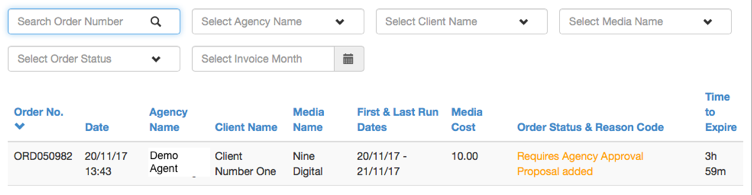
Click on the order to select it. The order detail will be displayed.

Click the Control button at top right of screen, and then select Approve. A pop-up check box will be displayed.

Click Yes to release the order to the media rep.
MPS will then track the order and alert you when the media rep has confirmed the booking.
