

Search the Media Directory
Search the Media Directory to find media and media sales contacts.
Click the Media Directory link on the left side task bar.
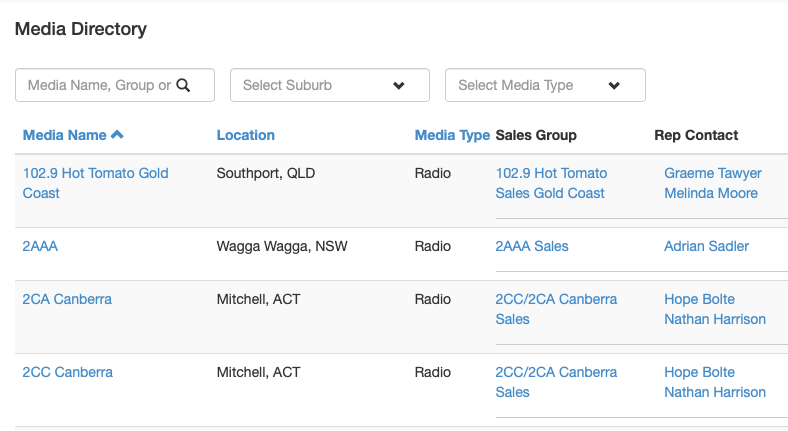
Searching and Filters
Find a media contact using the search box by entering part or all of the media or rep contact’s name and clicking the Search icon.
You can refine your search by using the suburb and media type filters. Clear an active filter by clicking the X symbol. Select Clear All to reset all filters.
Columns can be sorted by clicking the column name. The arrow next to the name shows the active sort column and the order direction of the sort.
View and Edit
Select the Media Name link to View and Edit the media detail screen.
Select the Rep Contact link to View and Edit the rep contact screen.
When making changes to either a Media or Rep Contact, make sure you click the Save button at top right.
