

If you’ve forgotten your password or would like to change your password then you can reset it from the login page.
Enter your user name and click the Forgot Password link. An email will be sent to your inbox.
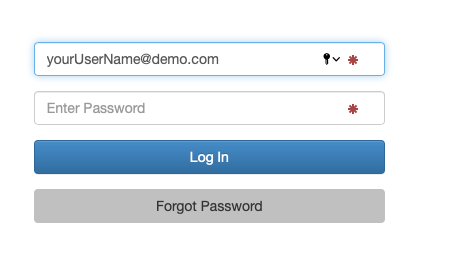
Check your email inbox.
Once you’ve received your password email, use the link to reset your password.
Enter your new password then click the Reset Password button.
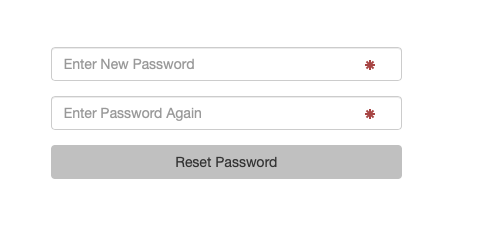
The password reset is now complete. You will be logged into adhub with your new password.
Some tips for stronger password protection.
- Never use the same password for multiple accounts.
- Do not use numbers, words, or phrases found in your daily life.
- Avoid common passwords such as ‘abc123’, ‘password’, ‘12345’, ‘or ‘qwerty’.
- Never write down your passwords.
- Change your passwords regularly.
- User a password manager or vault. We recommend 1Password.
Having trouble resetting your password?
- It may take several minutes to receive your reset email.
- Make sure you check your spam/junk folders.
- Passwords are case sensitive.
- For assistance contact MPS support on 1300 729 619 or support@mediaplacement.com.au.