

You will receive an email notification message regarding a client’s account status when:
- a new account application has been approved.
- an account is put on stop.
- an account stop is lifted.
- MPS receives an adverse notification from our trade indemnity insurer.
To configure who in your organisation receives the notifications, set the Receive Client Alert flag to Yes for each person linked on your Agency Profile.
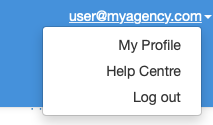
From the top navigation bar, click on your username and select My Profile.
The View Agency screen is displayed.
From Linked People click on the name you want to update.
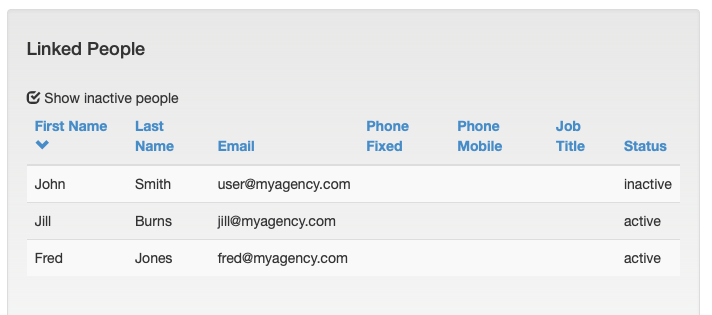
The Person box is displayed. Click Edit.
Under Basic Info, set the Receive Client Alert flag to Yes.

Click Save.
Note: A person will no longer receive client notifications when either their Status is changed to Inactive or the Receive Client Alert flag is set to No.