

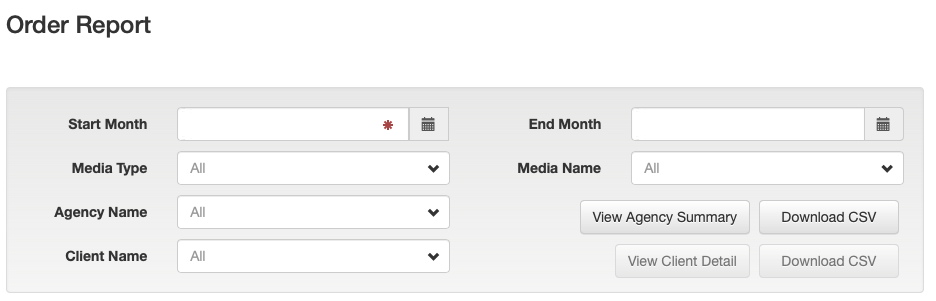
From the Dashboard click the Order Report link at top right. The Order Report screen is displayed.
Report Period
To run a report for a specified month, use the calendar button to select the Start Month. The End Month will default to the same month.
To include orders that run over a specified period use the calendar button to set both the Start Month and the End Month.
Media Type
Use the media type filter to include orders by type. Select All to include all media types.
Media Name
Use the media name filter to include orders for a specified media. Select All to include all media.
Agency Summary Report
The summary report displays order totals for each client. To run the report, click the View Agency Summary button.
Client Detail Report
The detail report lists all orders for a client. Select the Client using the drop-down list or by typing part of the client name. To run the report, click the View Client Detail button.
After running a report the click Print button is displayed. Click the button to print the report.
Export reports from Adhub in CSV format to use with other products. To export a report, click the Download CSV button. Open or save the exported file.