

Add New Order – Step 4 Confirmation
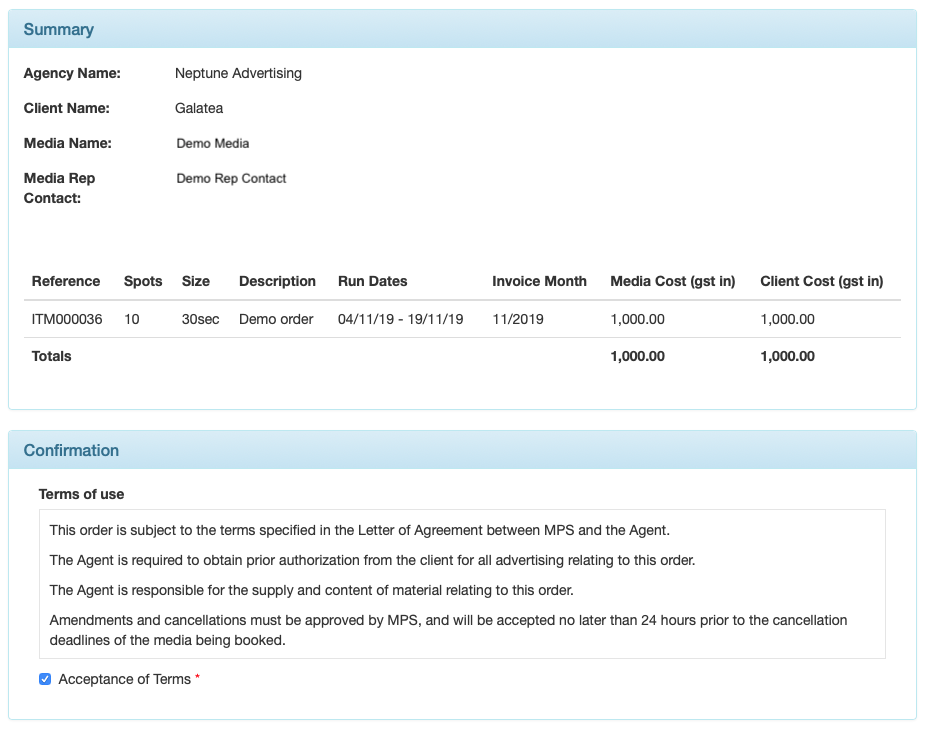
Complete the booking by reviewing the order, accepting the terms and conditions, and clicking the Submit button at bottom right.
NOTE: Using the back button on your browser will take you out of the New Order screen and your order data will be lost. To go back a step use the Back button located at the bottom left of the New Order screen.
Adding a new order has now been completed. Agency Approval is required to forward the booking to the media rep.
